



How this Dinosaur Game works for low-vision players
The dinosaur game from Google Chrome is hard on the eyes. The T-Rex is a few dozen pixels tall, the cacti are gray on white, and the road speeds up the longer you survive. We built this page for people who love the game but find the original hard to see or hard to time. It runs in the browser, so there is nothing to install and no account to create.
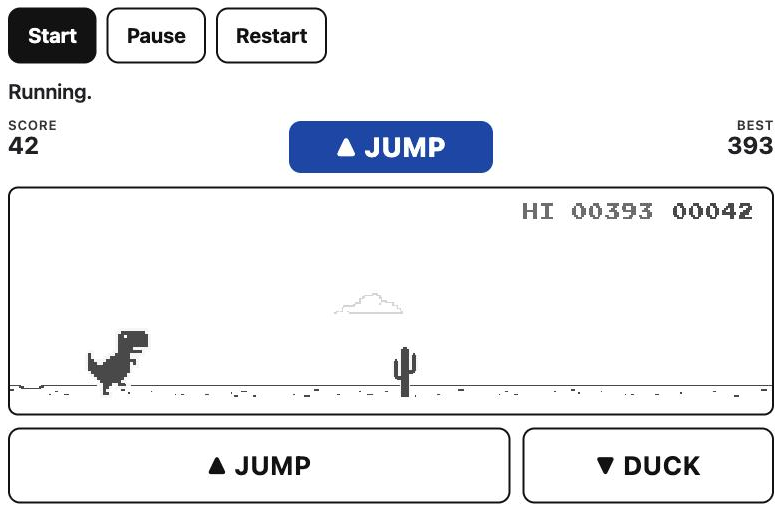
Make the game bigger
The size buttons enlarge the play area up to three times. The picture is scaled as a whole, so the dinosaur, the obstacles and the score grow together and keep their sharp pixel edges. The catch is that a bigger picture shows less of the road ahead, which leaves less time to spot what is coming. If that feels tight, pair a larger size with a slower speed and keep the warnings on. Narrow screens get fewer sizes, because the road would become too short to play; on a phone, turn it sideways to unlock the larger ones.
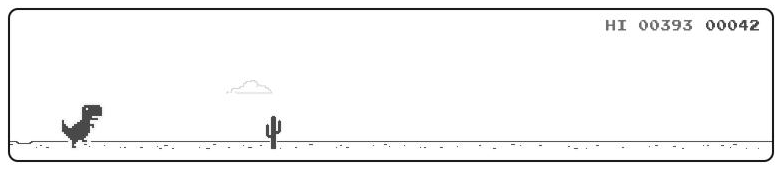
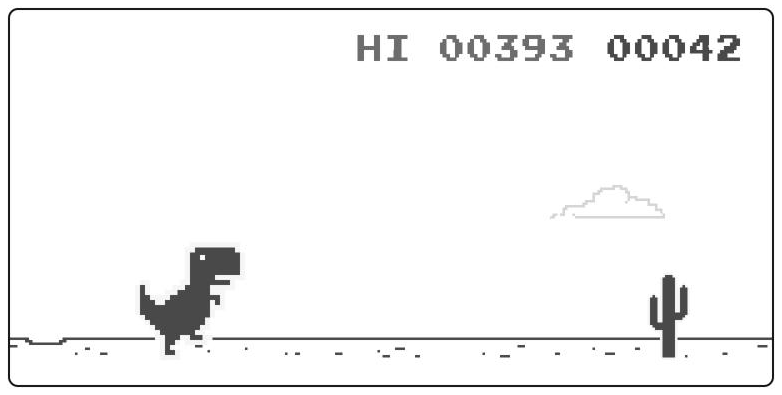
Pick colors you can read
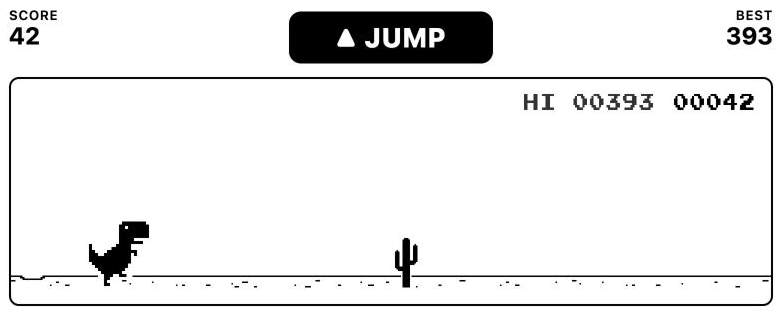
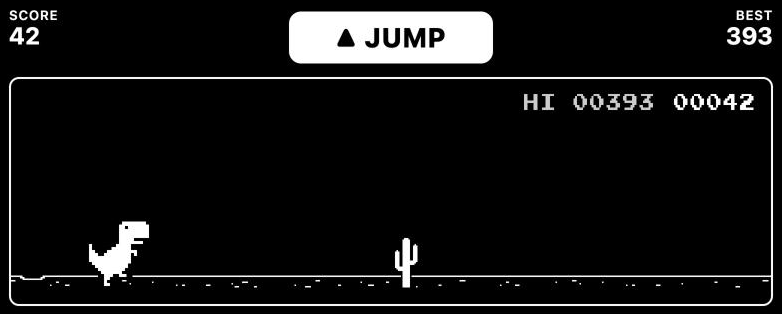
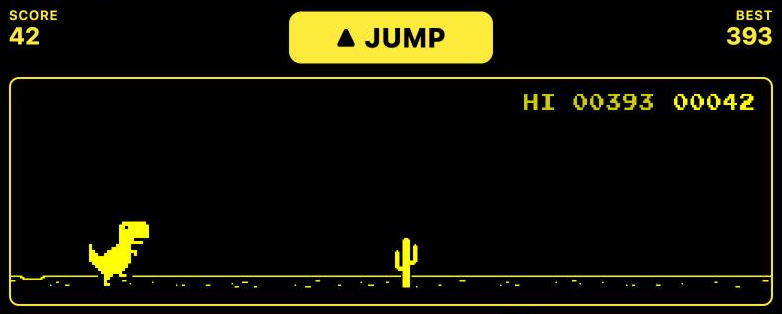
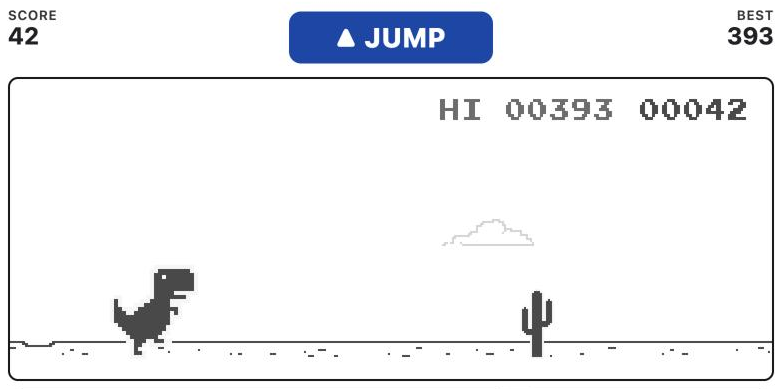
Standard colors follow the light or dark setting of your device. The three other schemes remove the pale clouds and draw everything that matters in solid color: black on white, white on black, or yellow on black. Many screen magnifiers offer yellow on black because some people find it easier on the eyes than plain white on black. The buttons and text around the game switch too. If your system asks websites for more contrast, as the Increase Contrast setting on Mac, iPhone and iPad does, the page opens in a high-contrast scheme on its own.
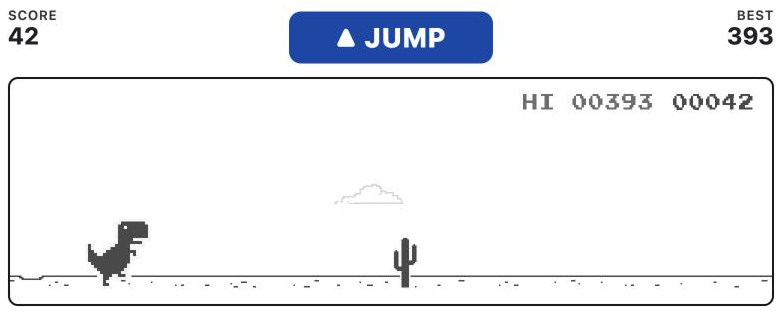
Warnings you can hear, see and feel
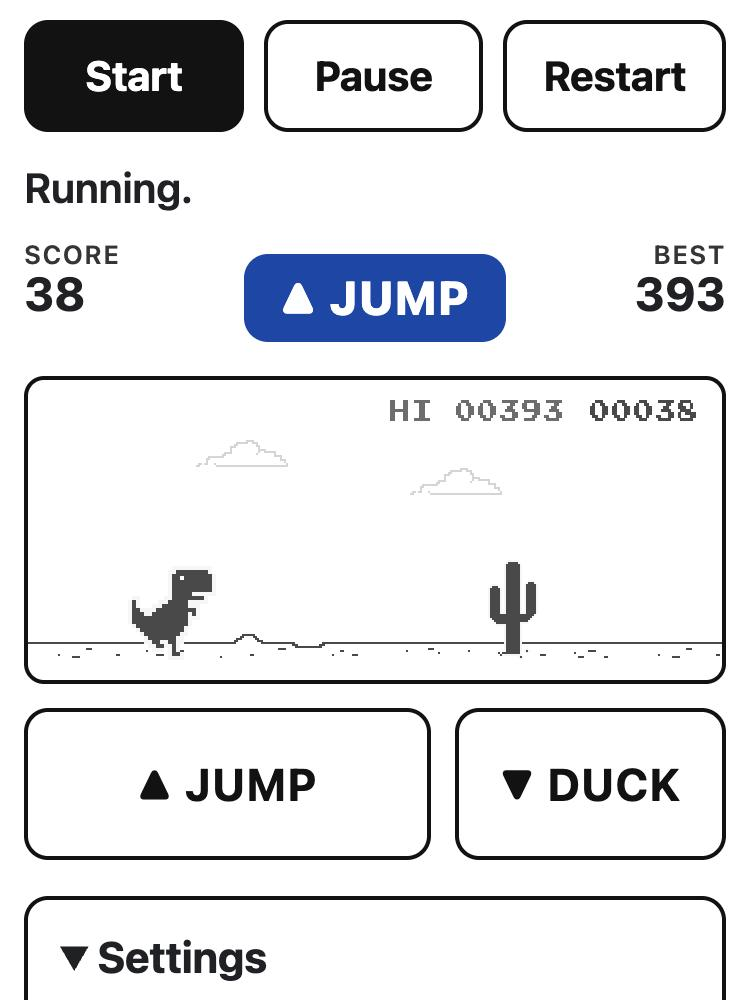
As each obstacle comes up, you get a signal at the moment to react. A rising two-note chime means jump. The same word appears in large letters above the game, and phones that support vibration give a short buzz. If a bird ever flies at head height, the chime falls instead of rising and the label says duck; at the speeds on this page the birds fly low, so it is almost always a jump.
The warning is not tied to a fixed distance. For every cactus and bird the page measures how fast it is really moving, works out how long the T-Rex stays in the air and how wide the obstacle is, then sounds early enough for the reaction time you choose: quick, average or relaxed. If you keep hitting cacti on the way up, pick a more relaxed setting. If you land on them, pick a quicker one. When two obstacles come close together, the second warning waits until the dinosaur has landed, because a jump pressed in mid-air does nothing.
While the T-Rex runs you hear a soft footstep rhythm. It stops while the dinosaur is in the air, so you can tell by ear whether a jump is still going. The footsteps and the volume have their own settings.
Sonar for players who can't see the screen
Turn on Sonar in the sound settings and a soft tone plays while an obstacle is on the road. It starts low when the obstacle appears and climbs in pitch as it gets closer, so you can hear how much time is left before the warning chime. Cacti have a smooth tone and birds a slightly buzzy one. Sonar is off by default, because players who can see the screen usually find it distracting.
Slow from the first run
The game starts in slow mode: a lower starting speed, a lower top speed, gentler acceleration, wider gaps between obstacles and a longer, floatier jump. Very slow goes further and never puts more than two cacti in a row. Brisk is for when you have the hang of it.
We also switched off the day-to-night flip. In Chrome the whole screen turns black after a few hundred points, which can be startling. Here the colors stay as you set them for the whole run.
Keyboard, mouse, touch and screen readers
Every function has a key, listed above this text. The large Jump and Duck buttons under the game work with a mouse, a finger, a head pointer or a switch that presses buttons. The game itself can be reached with Tab, and screen readers announce what it is and which keys to use.
A screen reader also tells you when a game starts, pauses and ends, with your final and best score. The score can be read every 100 points, by your screen reader or out loud by the browser's built-in voice. Your best score and every setting are saved in this browser, so the game is ready the way you like it next time.
If you switch to another tab or app, the game pauses and waits until you press Space or Resume. You will never come back to a run already in progress.
Tell us what to fix
We change this page based on what players tell us. If something is hard to see, too fast, too quiet or confusing with your screen reader, write to [email protected]. Mention your device and browser, the settings you use and what went wrong. A single line is enough.
Credits
A fan-made version of the offline dinosaur runner from Google Chrome, built on the game's open-source Chromium code (BSD license). Not affiliated with or endorsed by Google.