
What “unblocked” means here
People usually look for an unblocked version in two situations. The first is a school Chromebook or a work laptop where chrome://dino has been turned off. The second is a browser that never had the game, like Safari or Firefox. In both cases the built-in game isn't available, but a website version is a separate thing. It's a normal page made with HTML5, so it opens wherever web pages open.
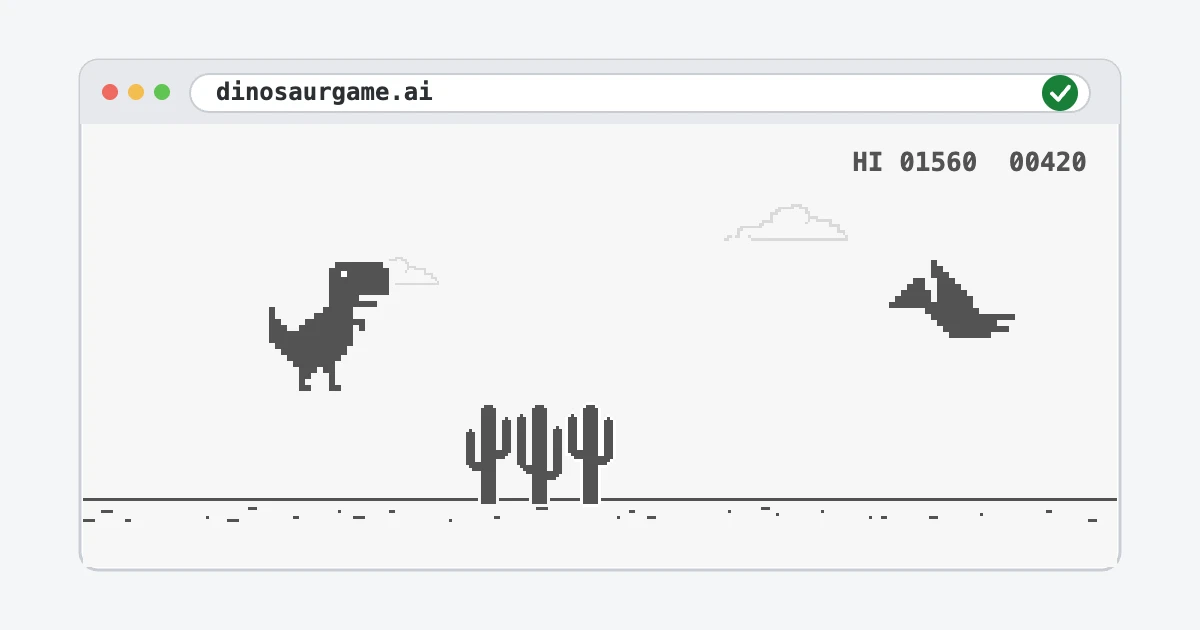
There's nothing to download and nothing to install. You don't need an account or a plugin either. Open the game, press Space and run.
Works on any device
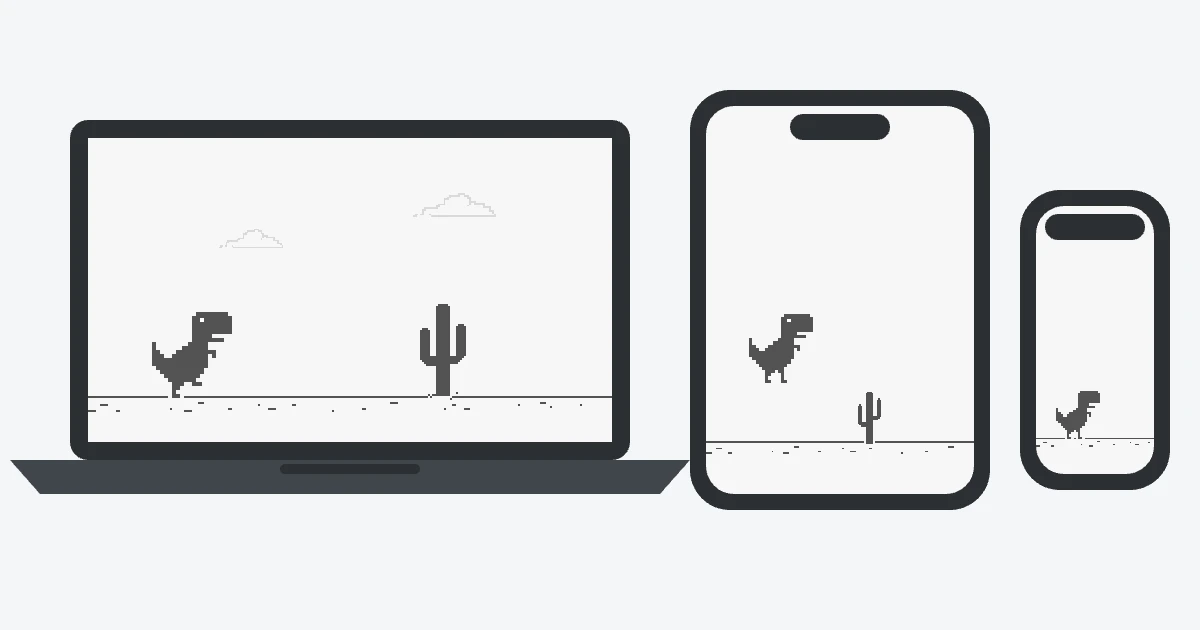
The game runs in Chrome, Safari, Firefox, Edge and other modern browsers, on Windows, macOS, ChromeOS, Linux, Android and iOS. On a keyboard you jump with Space or ↑ and duck with ↓. On a touchscreen you tap. There are more phone tips in our mobile guide.
Play without the internet
You can install the site as an app. In Chrome or Edge on a computer, click the install icon at the right end of the address bar, or use the “Install app” button under the game. On Android choose “Add to Home screen” in the browser menu, and on iPhone choose “Add to Home Screen” in Safari's Share menu.
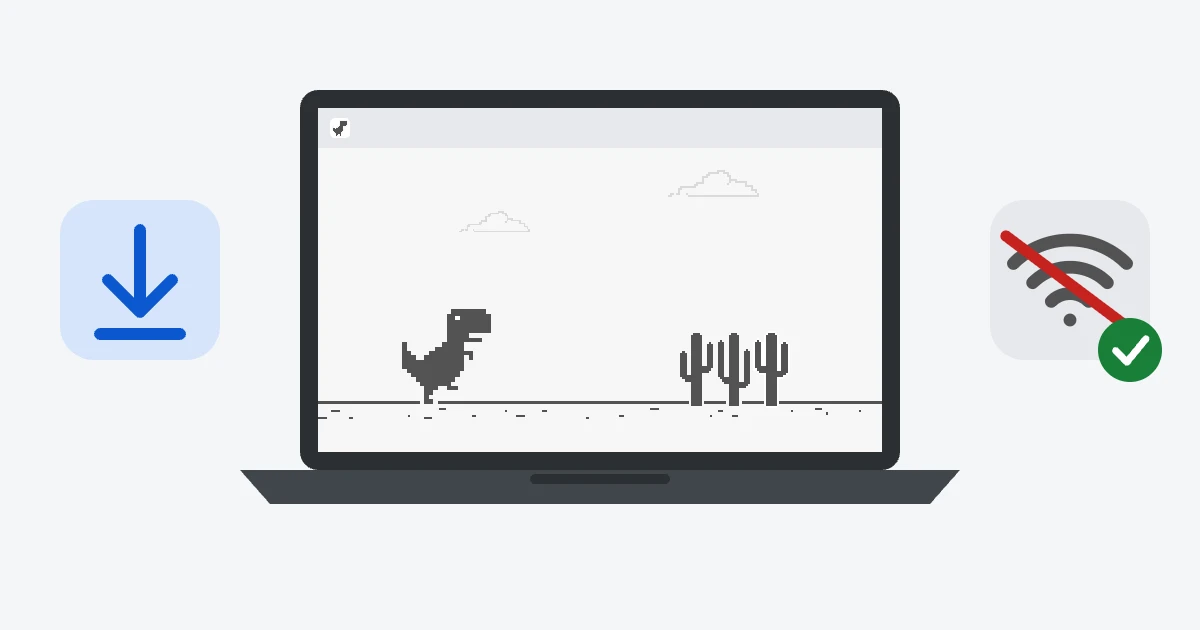
After that the game has its own icon and opens in its own window. The files are saved on your device on the first visit, so the app keeps working when the connection drops.
If the site itself is blocked
Some schools and offices filter whole categories of websites, and games are often one of them. We can't change that, and we won't suggest ways around your school's or employer's rules. If you think the game should be allowed during breaks, ask the person who manages the network. At home, on mobile data or on any open network the site works as usual.
More ways to play
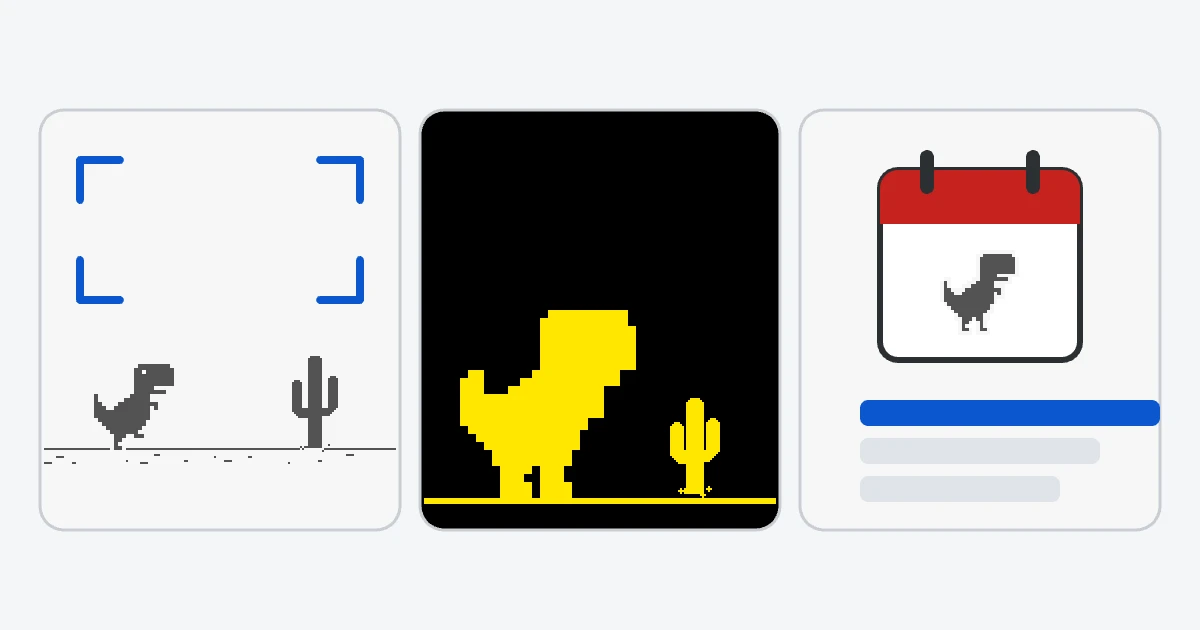
- Full screen: just the game, as large as your screen.
- Accessible version: large size, high-contrast colors, sound warnings and screen reader support.
- Daily challenge: everyone gets the same course each day, with a shared leaderboard.
Put the game on your own site
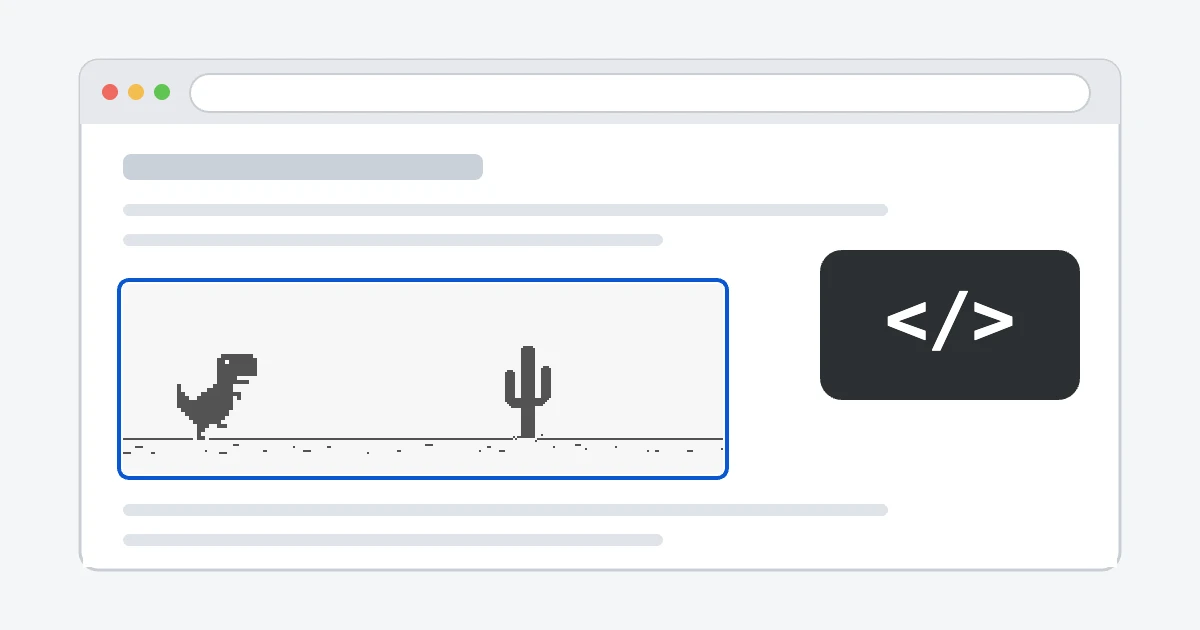
Teachers, bloggers and site owners can add the game to their own pages with one line of HTML. The frame has no ads and works with a keyboard and a touchscreen. Get the code on the embed page.
Is it safe?
Yes. The game is a few files of JavaScript and images that run in your browser. It doesn't ask for permissions or install anything, and it doesn't need your name or e-mail. The pages show a few ads, which keep the site free, but the game itself never asks you to download anything.