
Open the game in three steps
- Open Google Chrome.
- Click the address bar, type
chrome://dinoand press Enter. - Press Space to start running. On a phone, tap the dinosaur.
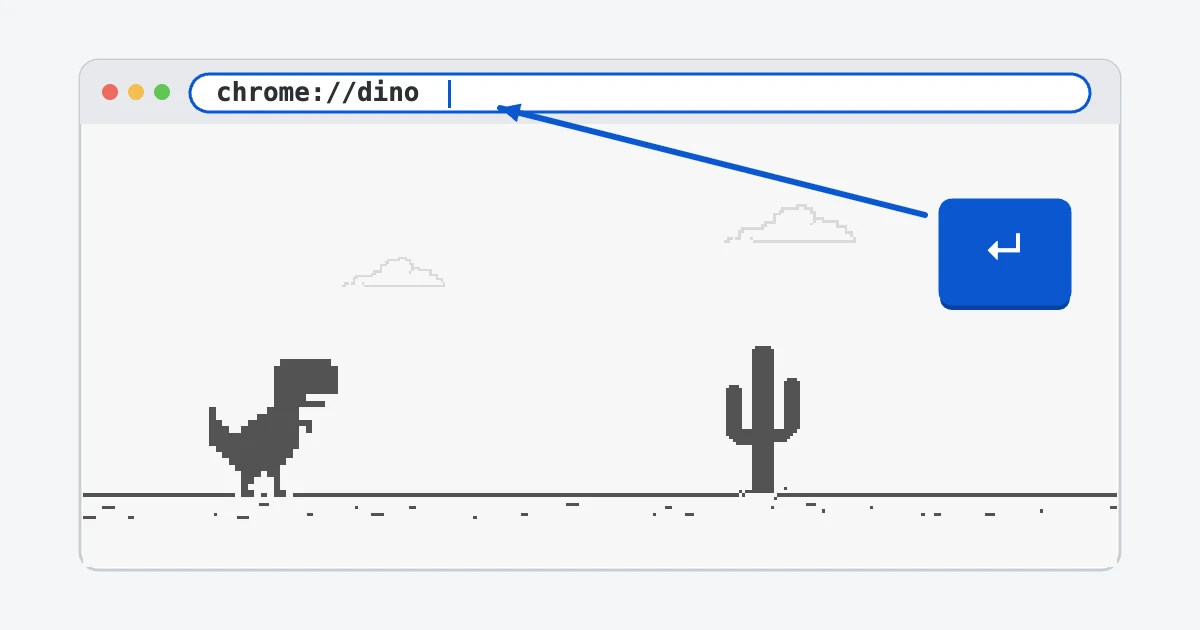
The page looks exactly like the “No internet” screen, but your connection keeps working in other tabs. Close the tab when you're done and nothing else changes.
The address only works in Google Chrome. Safari and Firefox don't know what chrome://dino means and will show an error or run a web search instead. If you use one of them, you can play the Dinosaur Game here in any browser.
The original way: lose the connection
The game was made for moments when the internet drops. When Chrome can't load a page, it shows a small grey T-Rex next to the error message. Press Space or tap the dinosaur and it starts running.
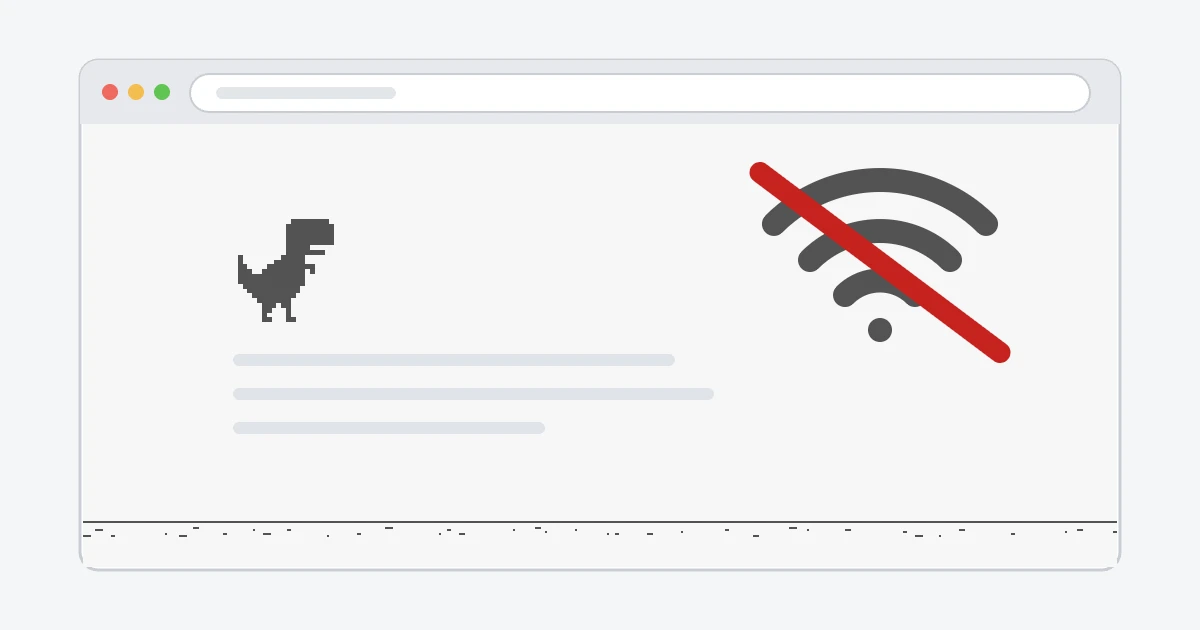
If you want to try it on purpose, turn on airplane mode or switch off Wi-Fi, then open any website in Chrome.
A second address that opens the same page
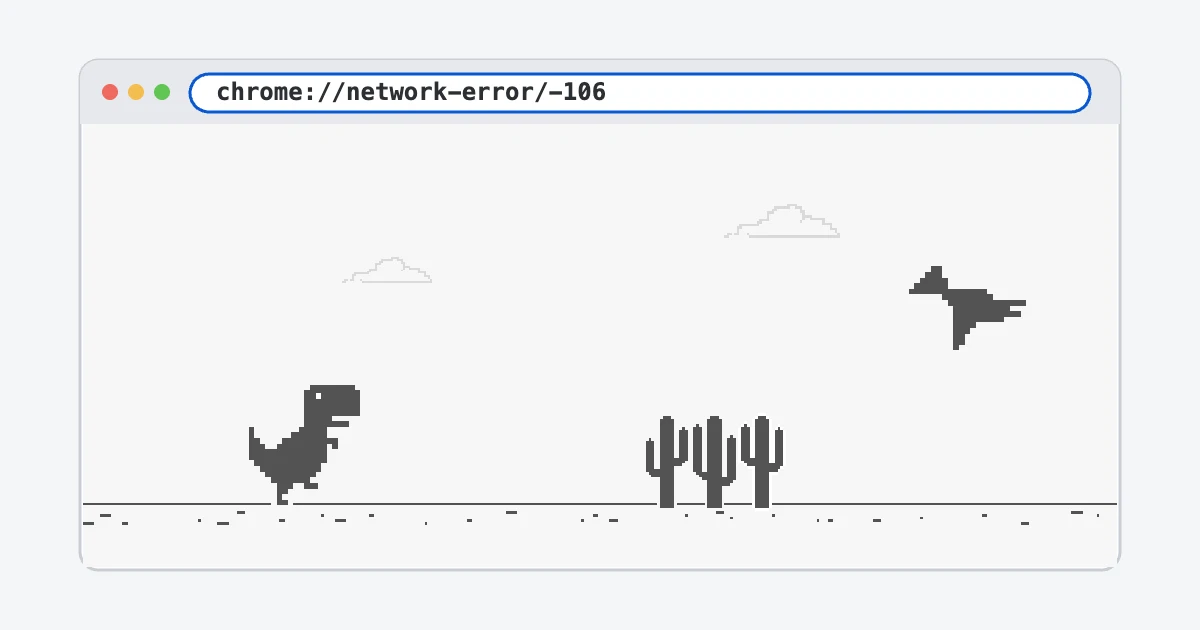
Chrome also accepts chrome://network-error/-106. It opens the same offline error page, with the same game on it. It's longer to type, so most people stick with chrome://dino.
Controls
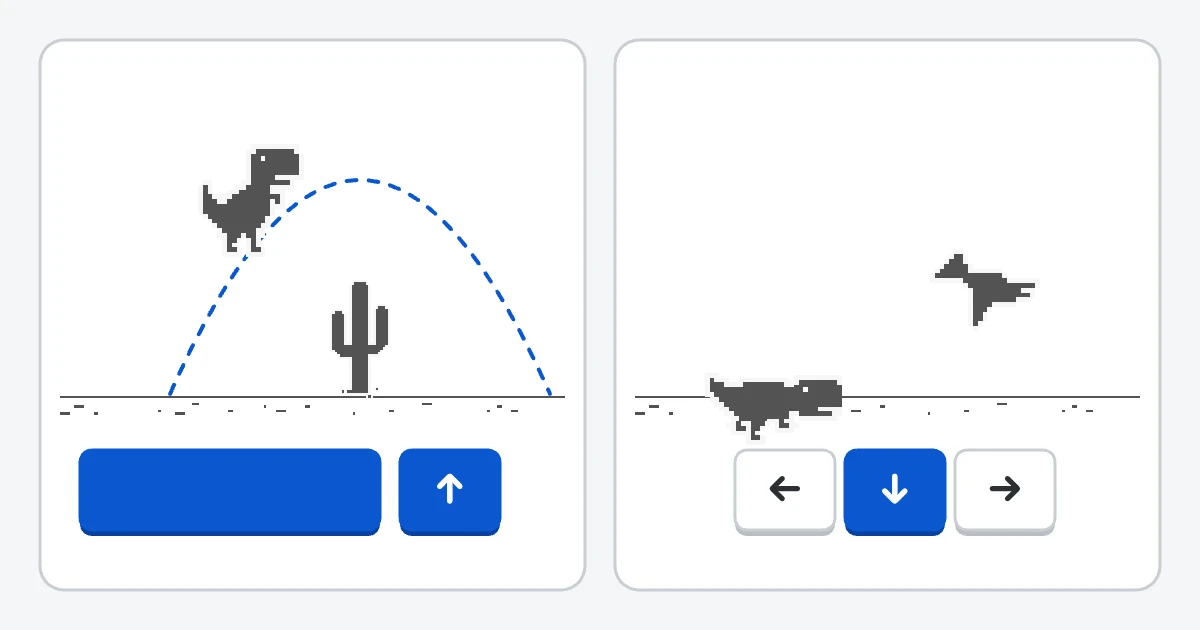
- Space or ↑: jump. A short press gives a low hop, a longer press a higher jump.
- ↓: duck under a pterodactyl. Pressed in the air, it pulls the dinosaur back to the ground faster.
- After a crash, press Space or click the restart button to go again.
The game speeds up the longer you survive. Pterodactyls start showing up after a few hundred points, and every 700 points the screen switches between day and night. Our gameplay guide covers the rules in more detail, and the tips page has a few tricks.
On Android and iPhone
The address works in the Chrome app on Android phones and on iPhone. Type it into the address bar just like on a computer, then tap to jump. Safari on iPhone doesn't have the game. There's more about touch controls, full screen and offline play in our guide to playing on a phone.
“The dinosaur game is disabled”
On a school Chromebook or a work laptop, chrome://dino may show the crashed T-Rex and a note that the game was turned off. That comes from a Chrome setting called “Allow Dinosaur Easter Egg Game”, which administrators can switch off for every device they manage. It's controlled from the admin console, so you can't turn it back on from your own account.
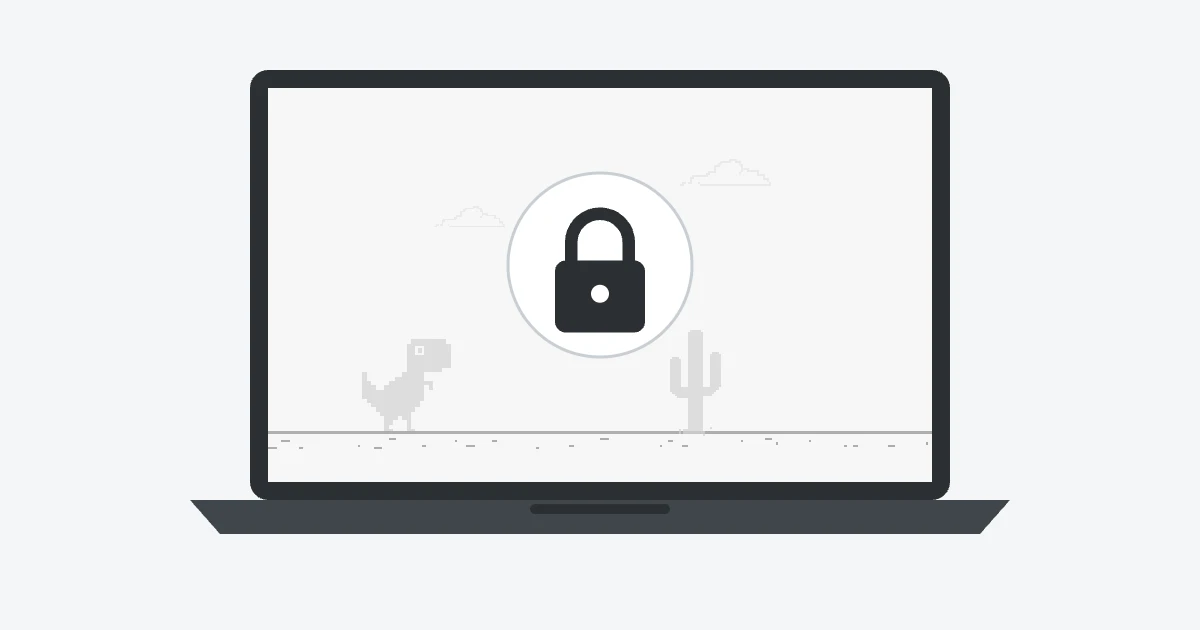
That setting only affects the built-in game. A website version like this one doesn't depend on it, although the network itself may block game sites. Our page about the unblocked Dinosaur Game explains what works where.
Where the game came from
The Chrome UX team, Sebastien Gabriel, Alan Bettes and Edward Jung, released the game on 23 September 2014. Inside Google it was called Project Bolan, after Marc Bolan of the band T. Rex. Pterodactyls were added a year later. Read the full story on our history page.