
Tap to jump
Open dinosaurgame.ai in any mobile browser and tap the game to start. From then on, every tap makes the dinosaur jump. Tap anywhere on the play area, not only on the dinosaur. After a crash, tap the game again to restart.
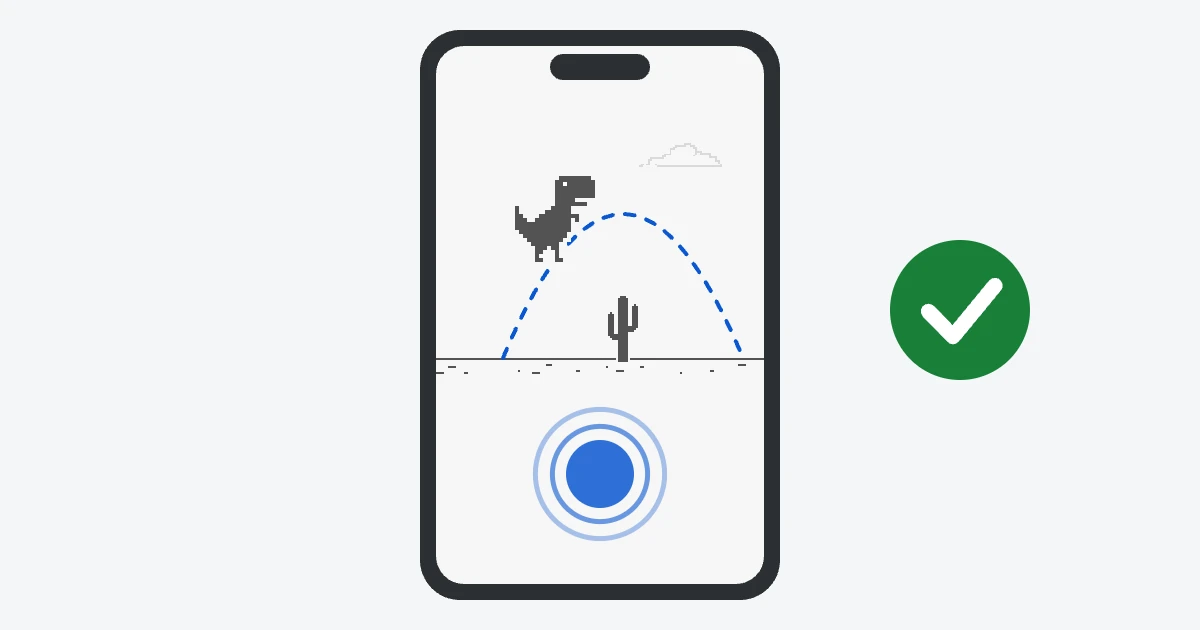
Tap early rather than late. On a small screen the cacti arrive quickly, and a jump that starts a little too soon usually still clears them.
You don't need to duck
On a computer you press ↓ to get under a low pterodactyl. Phones have no duck button, so on touchscreens the birds fly at two heights only: low enough to jump over or high enough to run under. If a bird is flying high, just keep running.
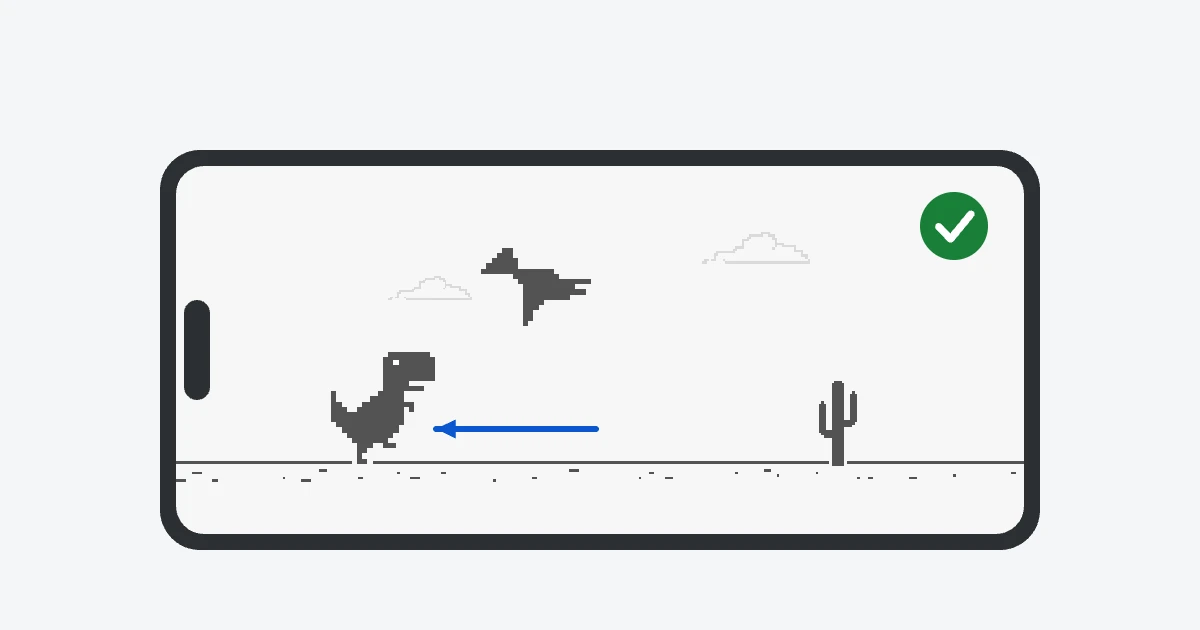
Play in Chrome without the internet
The original game lives in the Chrome app on both Android and iPhone. Turn on airplane mode, open Chrome and try to load any page. The “No internet” screen shows the T-Rex. Tap it to start.
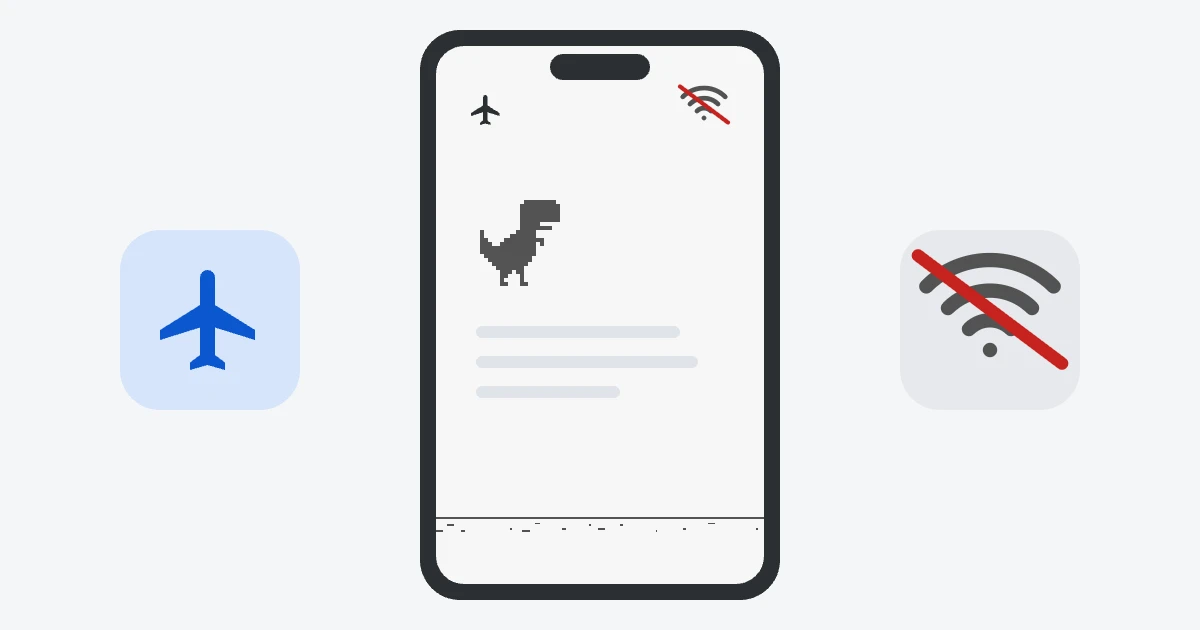
With the internet on, type chrome://dino into Chrome's address bar instead. Safari on iPhone doesn't include the game, so iPhone users either need the Chrome app or a website version like this one. The chrome://dino guide has the details.
Turn the phone sideways
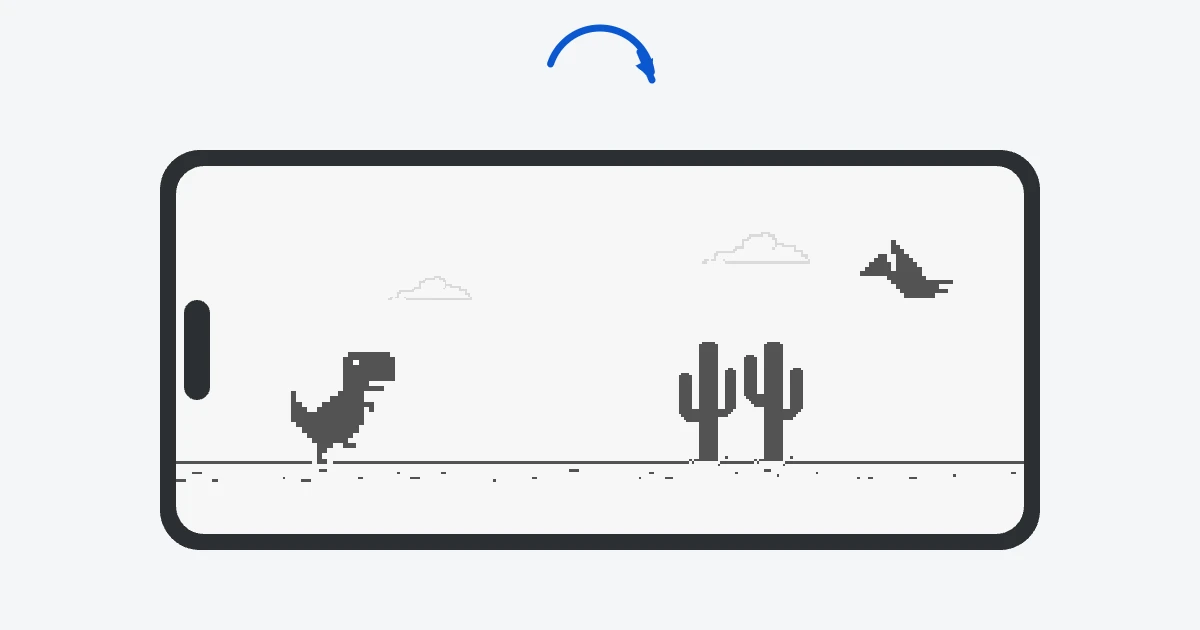
In portrait mode the game is narrow and the obstacles come at you fast. Turn the phone to landscape and the play area gets much wider, which gives you more time to react. For the biggest view, open the full-screen version, which hides everything except the game.
Add the game to your home screen
You can keep the Dinosaur Game on your home screen and open it like any other app:
- Android (Chrome): open the site, tap the menu (⋮) and choose “Add to Home screen” or “Install app”. On our home page you may also see an “Install app” button below the game.
- iPhone and iPad (Safari): open the site, tap the Share button and choose “Add to Home Screen”.
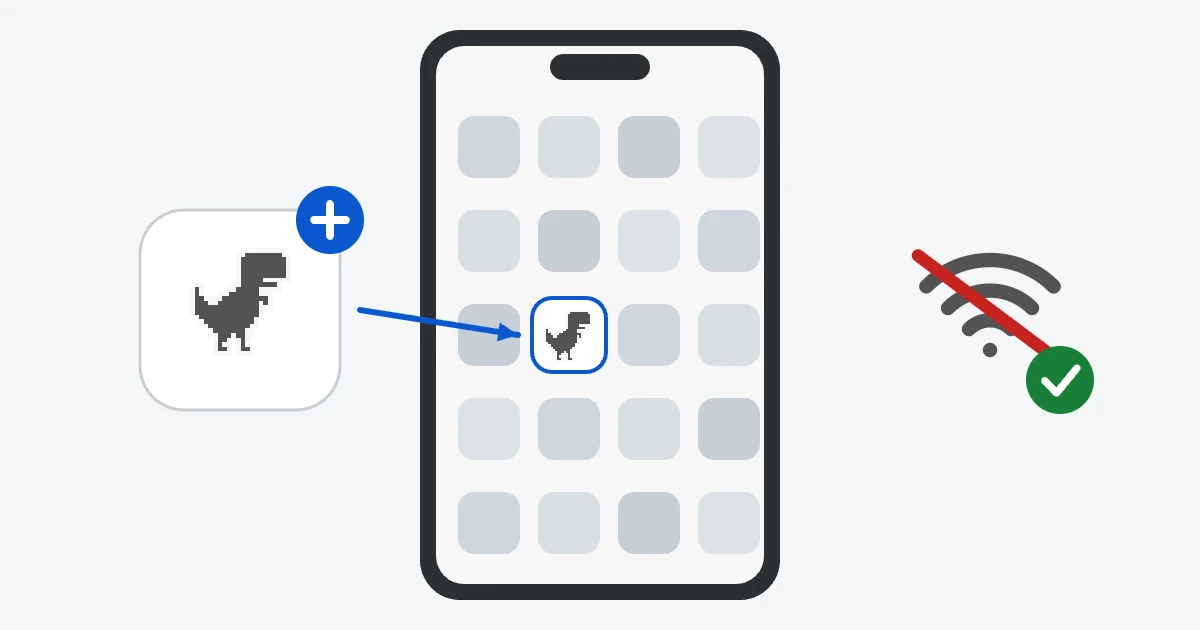
The icon opens the game in its own window, without the browser bars. After the first visit the game files stay on the phone, so it keeps working on a plane or in the subway.
A few things that help
- Turn the sound on. The beep at every 100 points is a nice way to keep count without looking at the score.
- If the game stutters, close other apps and browser tabs. A smooth frame rate makes jumps easier to time.
- Large text and high-contrast colors are available in the accessible version, which also works with screen readers.